#
AutoAttend Registration System
#
Overview
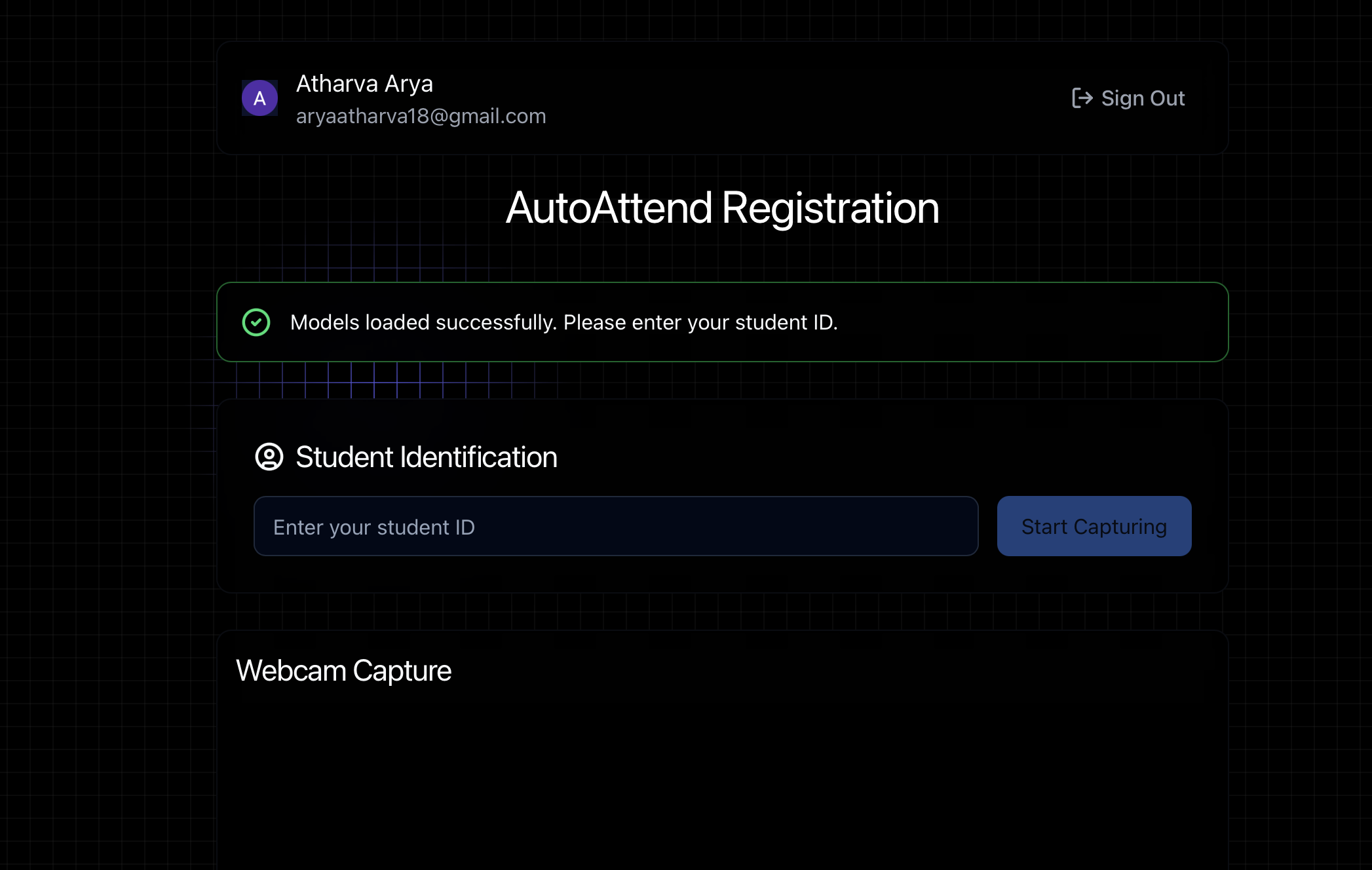
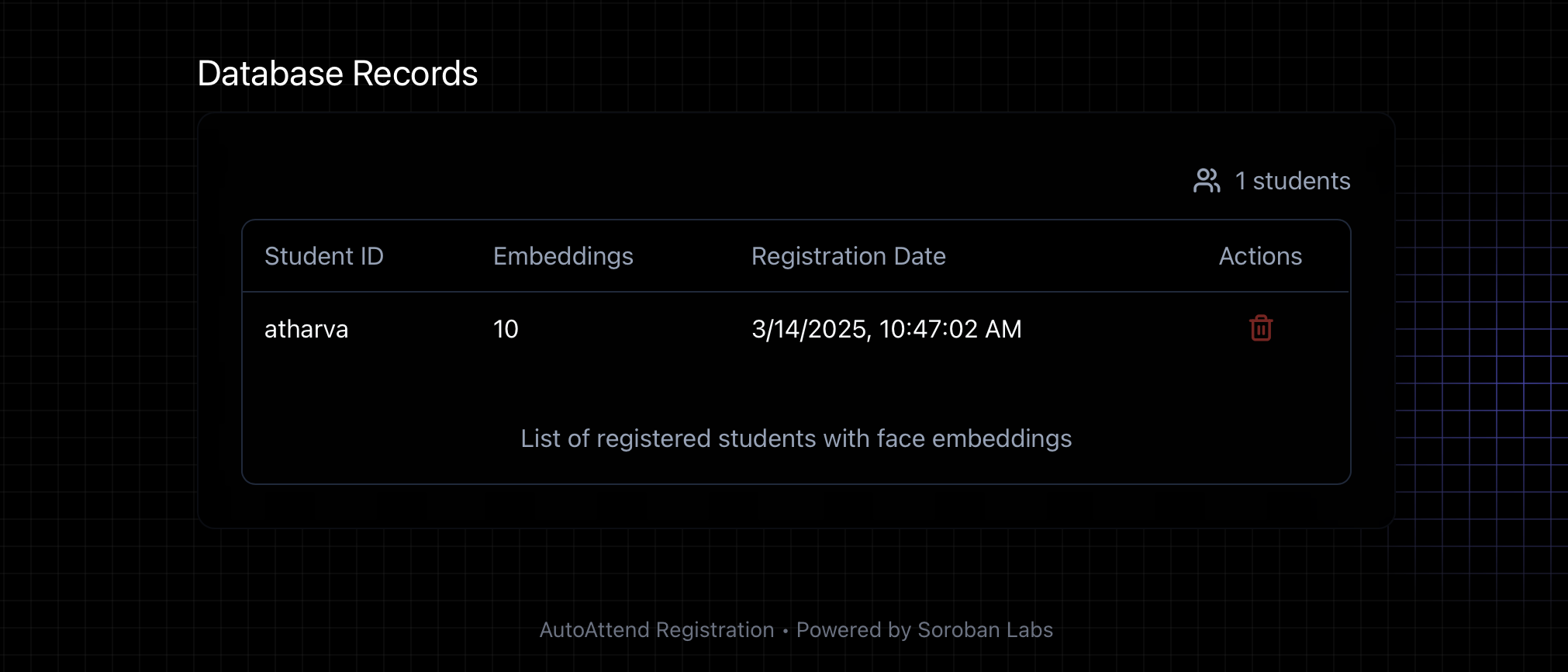
The Registration System is a core component of the AutoAttend facial recognition ecosystem, specifically focused on the student enrollment and face embedding capture process. This document details the registration workflow, API endpoints, and technical implementation of the registration features.
#
Registration Workflow
sequenceDiagram
    Actor Student
    Student->>Frontend: Provide Student ID
    Frontend->>Browser: Access Webcam
    Browser->>Frontend: Stream video
    Frontend->>Frontend: Detect face with face-api.js
    Frontend->>Frontend: Extract 10 face embeddings
    Frontend->>Backend: POST /api/embeddings
    Backend->>Milvus: Store vectors with student ID
    Milvus-->>Backend: Confirmation
    Backend-->>Frontend: Success response
    Frontend-->>Student: Registration complete
#
API Documentation
#
Embeddings API
#
Example: Storing Embeddings
// POST /api/embeddings
{
  "student_id": "S12345",
  "embeddings": [
    [0.1, 0.2, 0.3, ...], // 128-dimensional vector
    [0.2, 0.3, 0.4, ...],
    // 8 more embeddings...
  ],
  "timestamp": 1678432516789
}
#
Example: Searching for a Match
// POST /api/search
{
  "embedding": [0.1, 0.2, 0.3, ...],
  "limit": 5,
  "threshold": 0.7
}
#
Technical Details
#
Face Embeddings
The registration system generates 128-dimensional face embeddings using face-api.js, which is powered by TensorFlow.js. These embeddings capture the unique facial features of individuals and allow for efficient similarity searches.
#
Milvus Configuration
The registration system uses a specialized HNSW (Hierarchical Navigable Small World) index for fast approximate nearest neighbor search, which is ideal for face recognition:
index_params = {
    "metric_type": "L2",  # Euclidean distance
    "index_type": "HNSW",
    "params": {"M": 16, "efConstruction": 200}
}
#
Database Schema
The face embeddings collection has the following structure:
#
Troubleshooting
#
Common Registration Issues
- Models not loading: Ensure models are downloaded to the
public/modelsdirectory - Webcam not working: Check browser permissions and ensure your device has a working camera
- Face detection issues: Improve lighting and position face clearly in the frame
- Registration failures: Verify that the student ID is unique and properly formatted
#
Related Documentation
For comprehensive information about the AutoAttend system architecture, deployment, and Kubernetes configuration, please refer to the AutoAttend Architecture documentation.